...

Canva User Guide Desk Mat

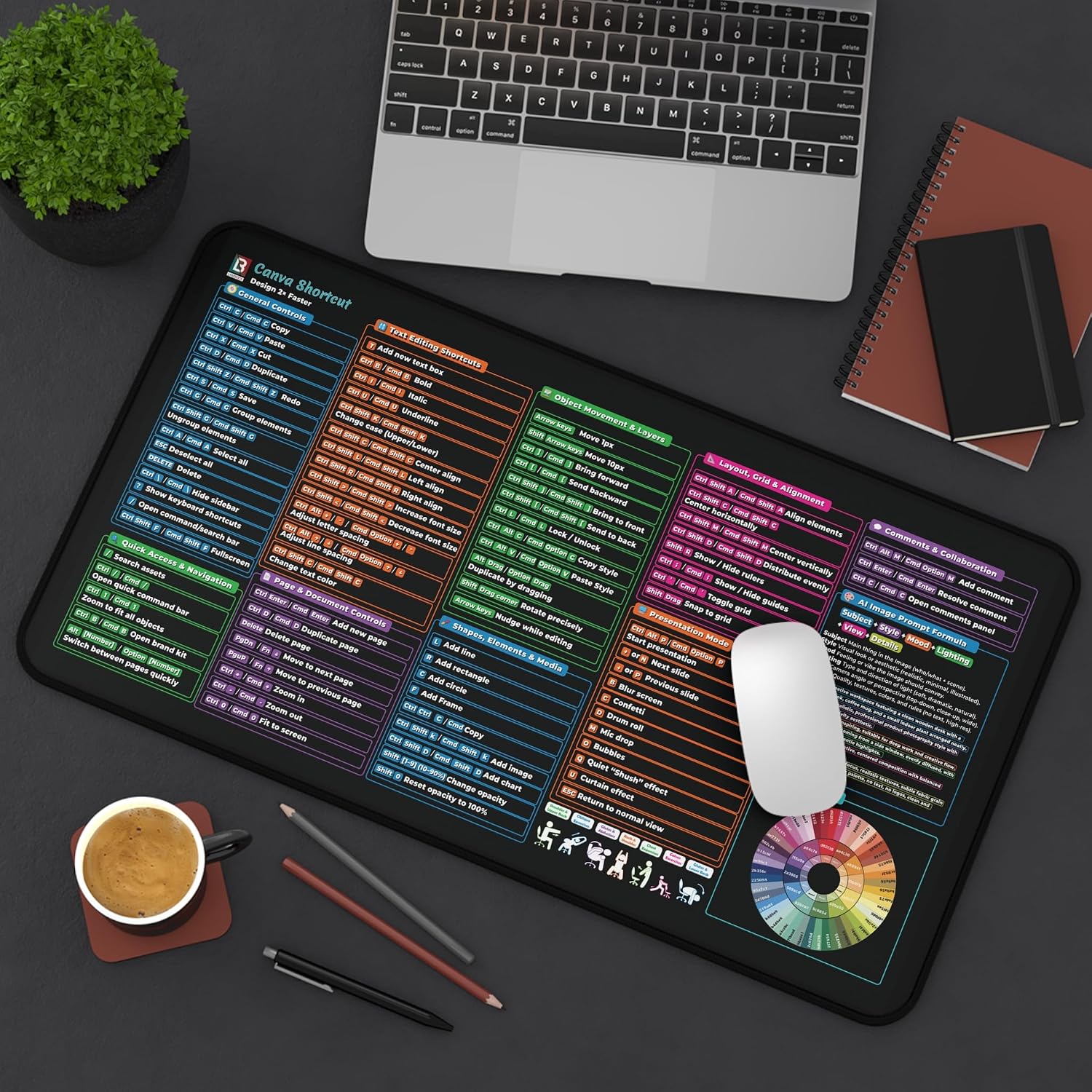
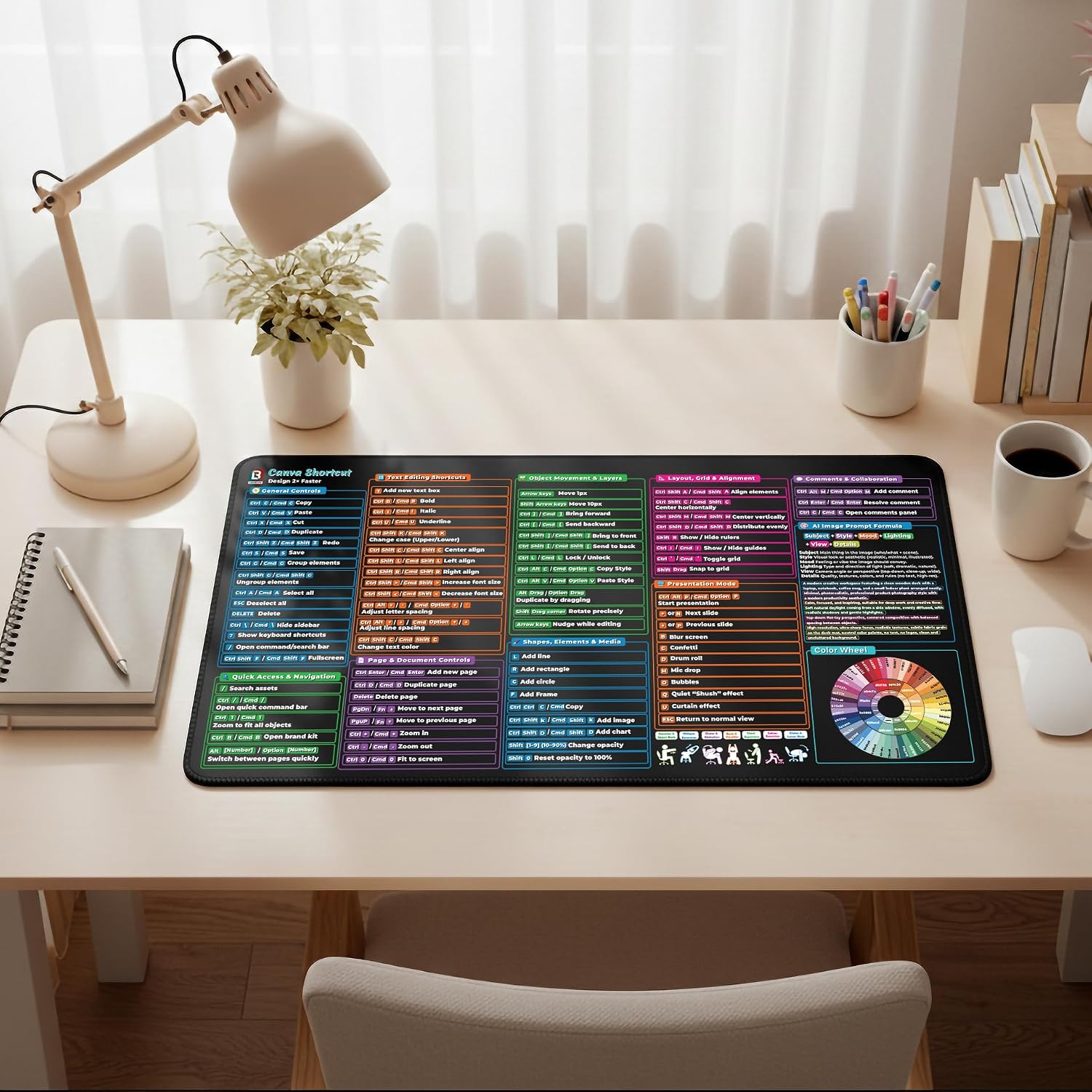
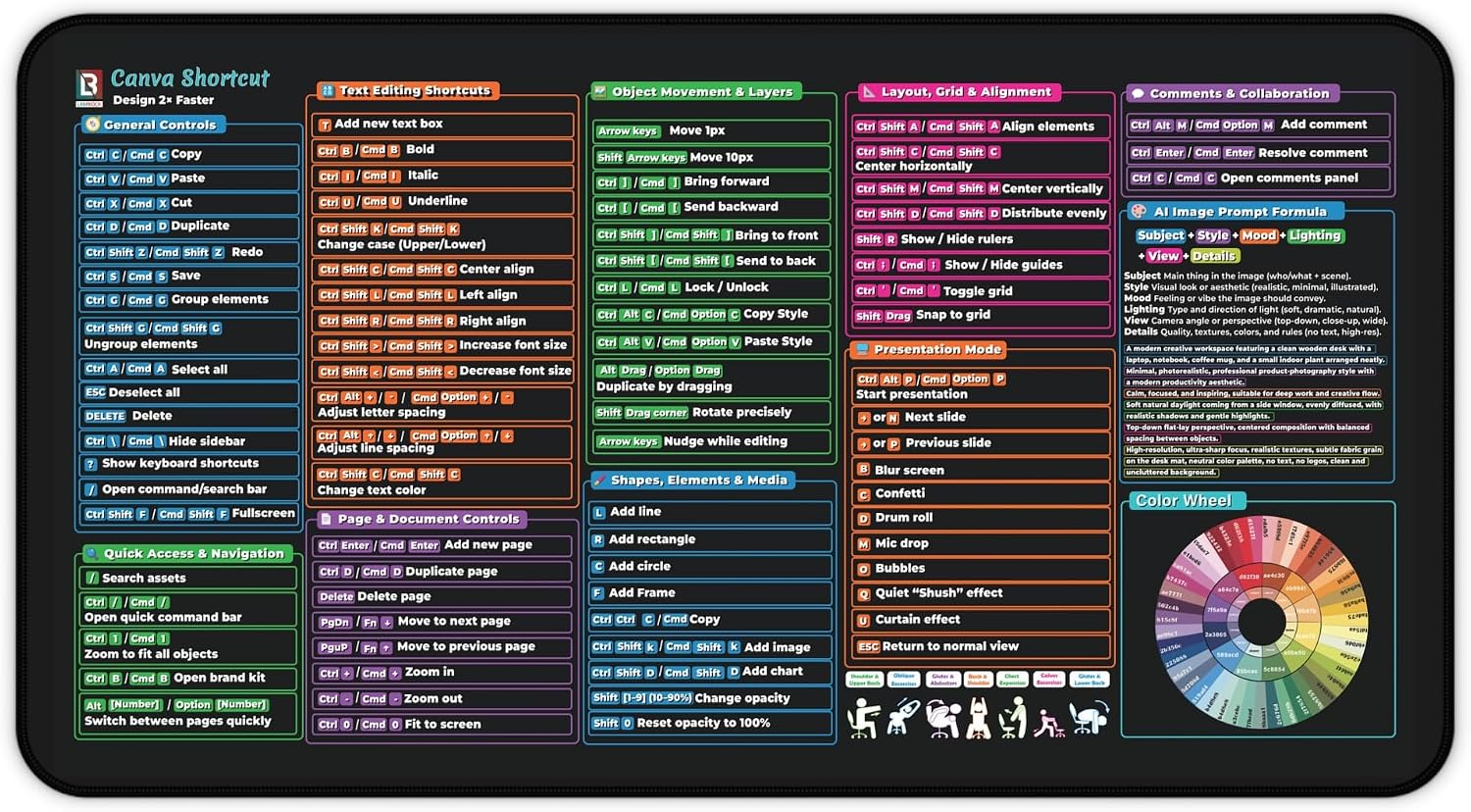
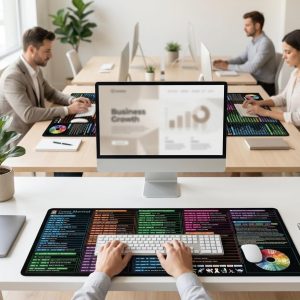
  • 9-panel shortcut guide covering General Controls through Layout, Grid & Alignment
  • Includes an AI Image Prompt Formula and a full Color Wheel with hex codes
  • Covers Text Editing, Object Movement & Layers, Presentation Mode, and Comments & Collaboration
  • Available in 12×22″ and 16×32″, neoprene with a non-slip bottom

Price range: $27.99 through $31.99

In stock

Size

22×12, 32×16

Color

Black

💬
Have a product question?
Ask our AI assistant instantly — sizes, materials, shipping & more.

Ask AI

Need 10+ units?
Request a quote — bulk pricing available for custom orders.

Request a Quote

Have a question or need a bulk order?

We're here to help with product details, shipping or quantity pricing.

Categories: , Tags: , SKU: canva-shortcuts-desk-mat

Product Overview

Learn Canva Faster With Shortcuts On Your Desk
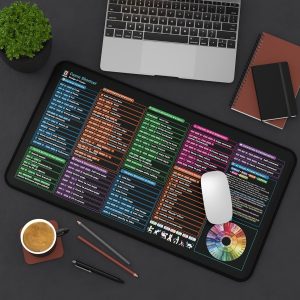
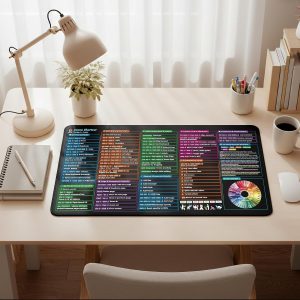
A true Canva reference desk mat — not just a mouse pad. It lays out general controls, text editing, object movement, layout and alignment, and presentation-mode shortcuts side by side, plus an AI Image Prompt Formula and full color wheel, so the exact keys and workflows stay visible instead of pausing mid-design to search for them.

Key Features

  • General Controls and Quick Access & Navigation — copy, paste, save, zoom, and more
  • Text Editing Shortcuts — bold, align, spacing, and case changes
  • Object Movement & Layers, Page & Document Controls, Shapes, Elements & Media
  • Layout, Grid & Alignment and Presentation Mode — start, navigate, add slide effects
  • AI Image Prompt Formula (Subject + Style + Mood + Lighting + View + Details) and Color Wheel

What Makes It Great

1

Shortcuts + Design Formulaincludes an AI Image Prompt Formula, not just keys.

2

Built-In Color Wheelhex codes on the mat, no separate color-picker tab needed.

3

9-Panel Workflowfrom general controls to presentation mode, in one place.

4

Two Size Options12×22″ or 16×32″ to fit any desk setup.

Best For


Design students

Marketers and content creators

Canva beginners

Freelancers and agencies

Pair It With —

Working across more than one design tool? The Photoshop Shortcuts Desk Mat extends the reference into raster editing.


You May Also Like

Related Products

AI Powered Google & Excel Cheat Sheet Desk Pad

AI Powered Google & Excel Cheat Sheet Desk Pad

$31.99 Select options This product has multiple variants. The options may be chosen on the product page
AI Content Creation Guide Desk Mat

AI Content Creation Guide Desk Mat

$31.99 Select options This product has multiple variants. The options may be chosen on the product page
AI SEO Toolkit Desk Mat

AI SEO Toolkit Desk Mat

$31.99 Select options This product has multiple variants. The options may be chosen on the product page
Wellness & Productivity Desk Mat with 2026 Calendar

Wellness & Productivity Desk Mat with 2026 Calendar

$31.99 Select options This product has multiple variants. The options may be chosen on the product page
Pink Valentines Gift Desk Mat for Her

Pink Valentines Gift Desk Mat for Her

Price range: $24.99 through $31.99 Select options This product has multiple variants. The options may be chosen on the product page
Canva User Guide Desk Mat

Price range: $27.99 through $31.99

Select options