No products in the cart.



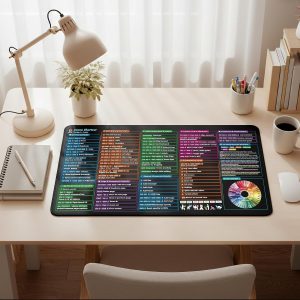
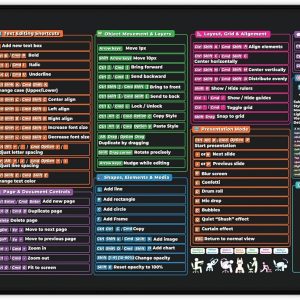

AI Powered Google & Excel Cheat Sheet Desk Pad
$31.99 This product has multiple variants. The options may be chosen on the product page
AI Content Creation Guide Desk Mat
$31.99 This product has multiple variants. The options may be chosen on the product page
AI SEO Toolkit Desk Mat
$31.99 This product has multiple variants. The options may be chosen on the product page
Wellness & Productivity Desk Mat with 2026 Calendar
$31.99 This product has multiple variants. The options may be chosen on the product page
Pink Valentines Gift Desk Mat for Her
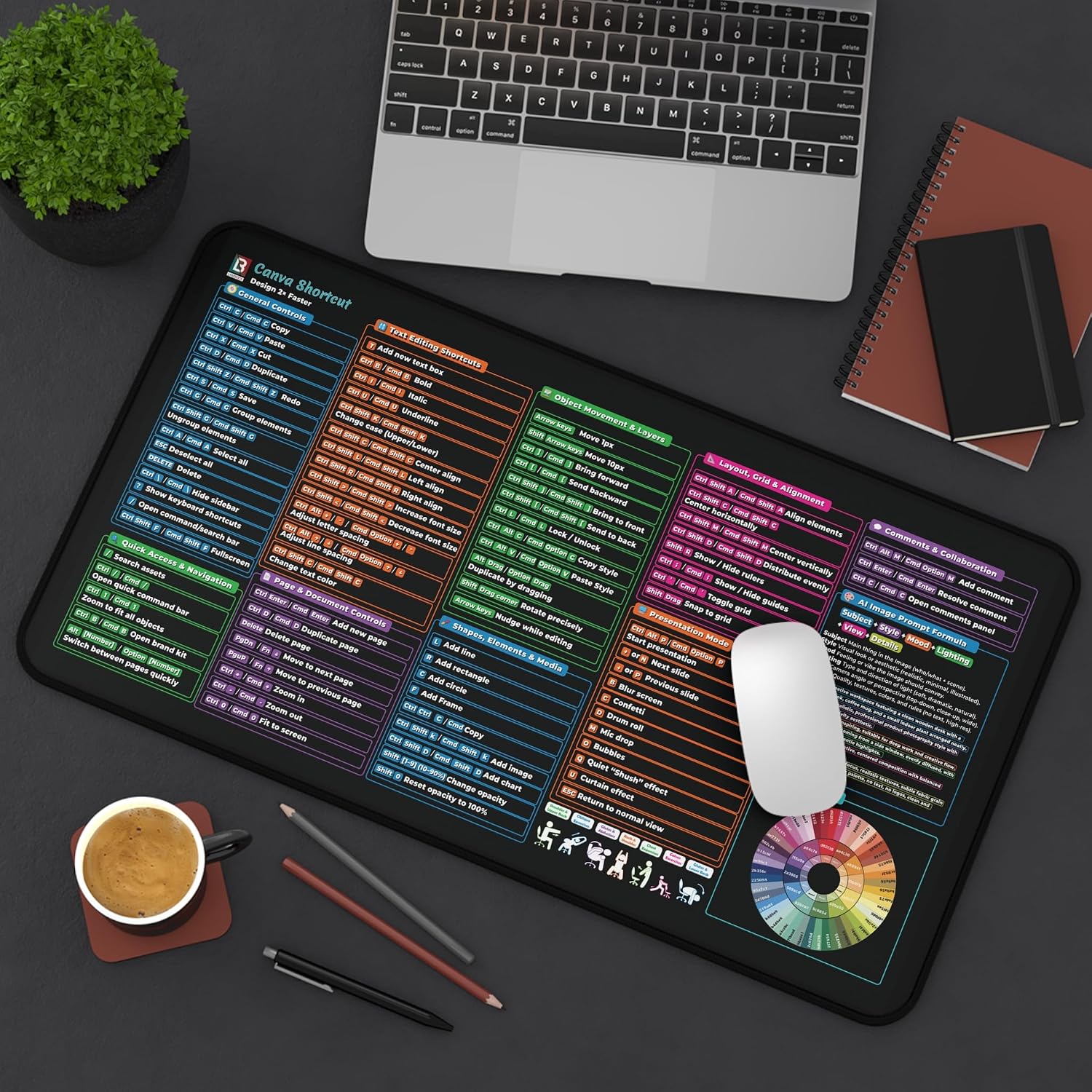
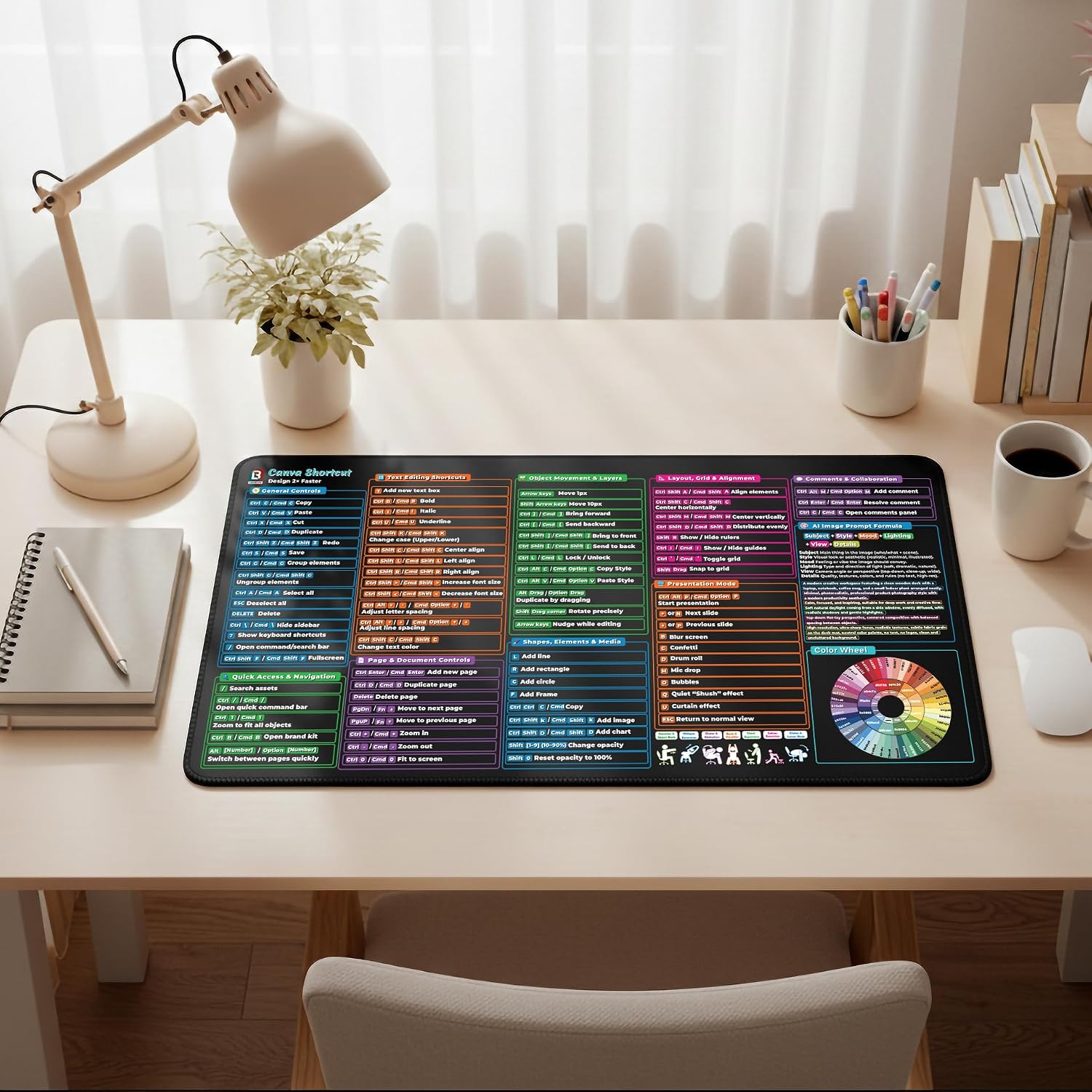
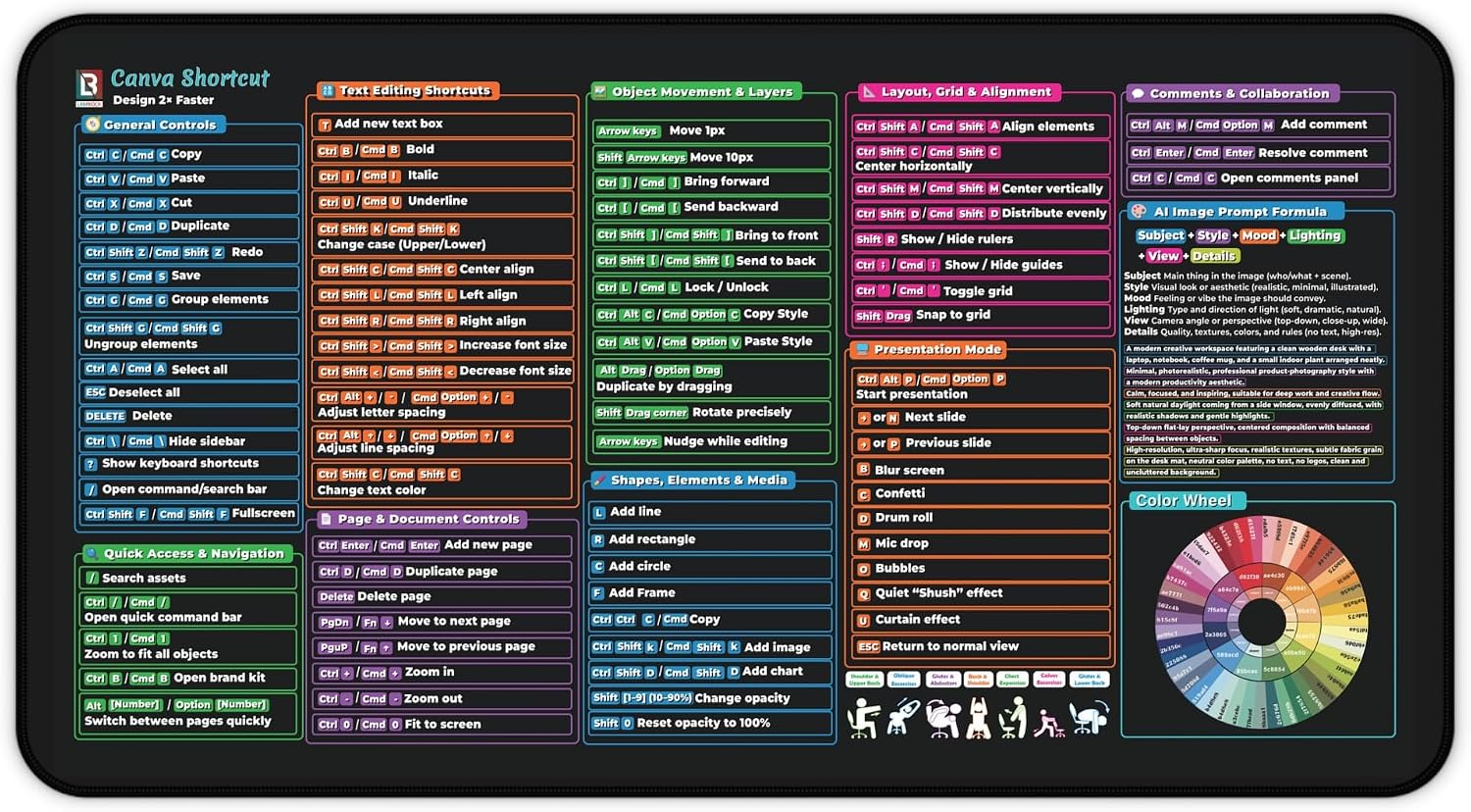
Price range: $24.99 through $31.99 This product has multiple variants. The options may be chosen on the product page Canva User Guide Desk Mat
 Price range: $27.99 through $31.99