

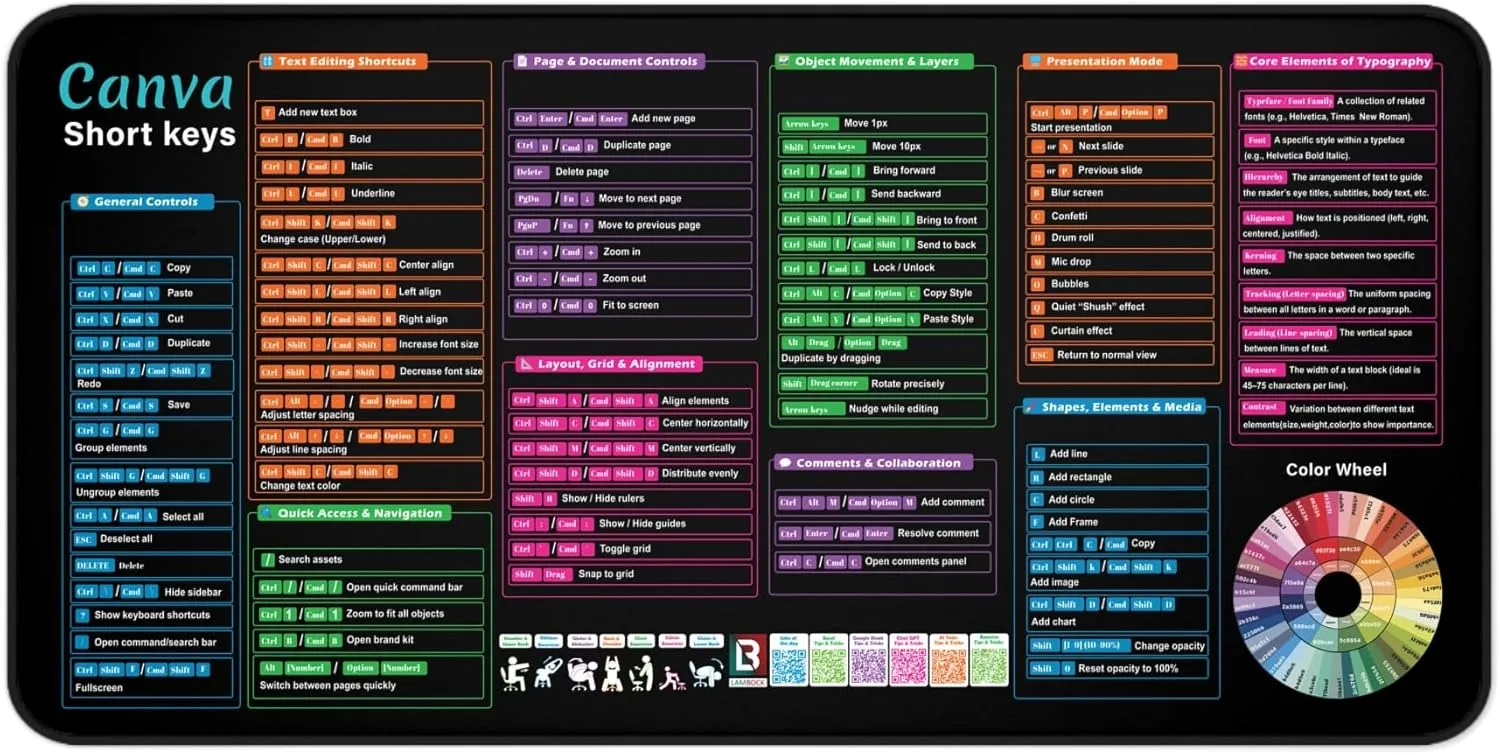
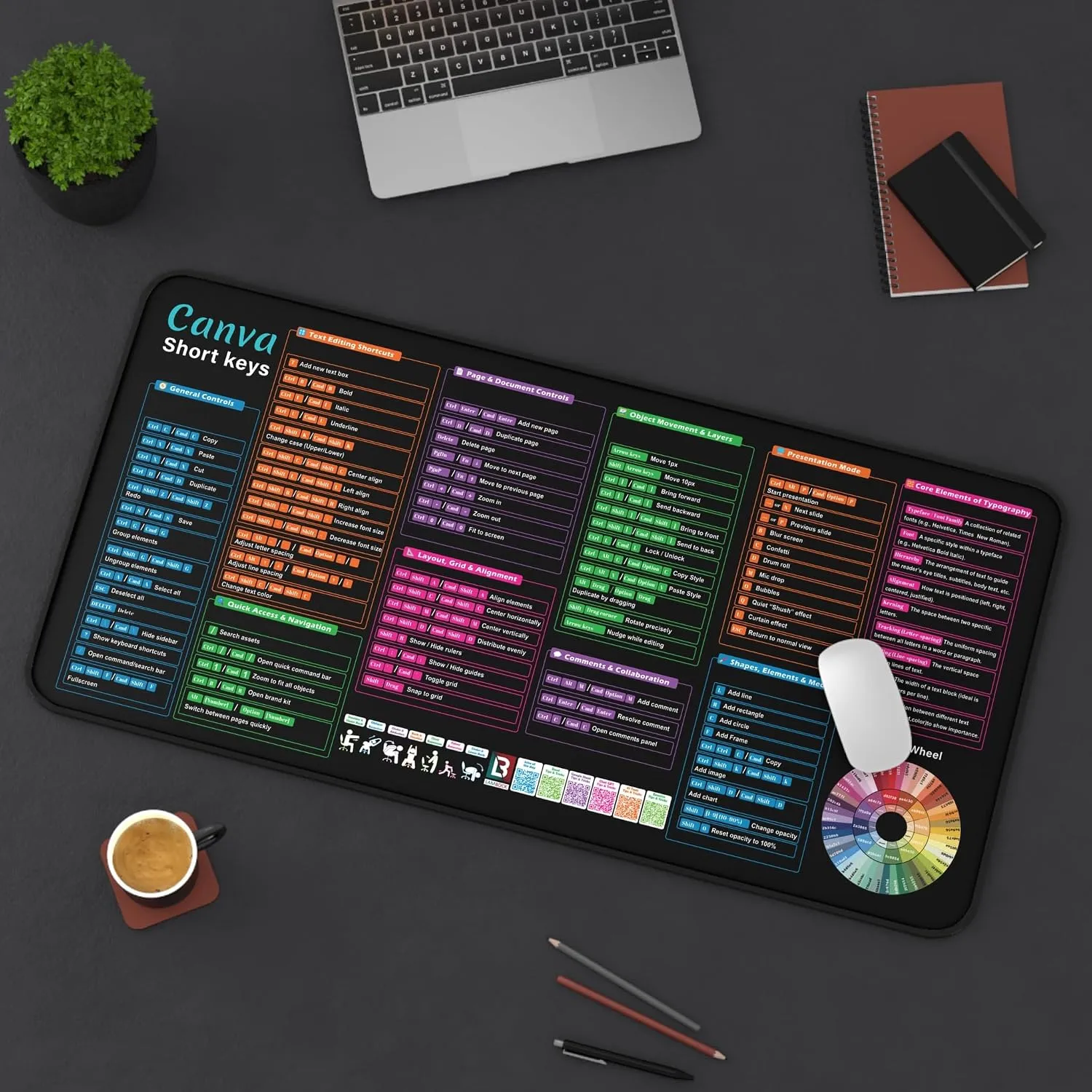
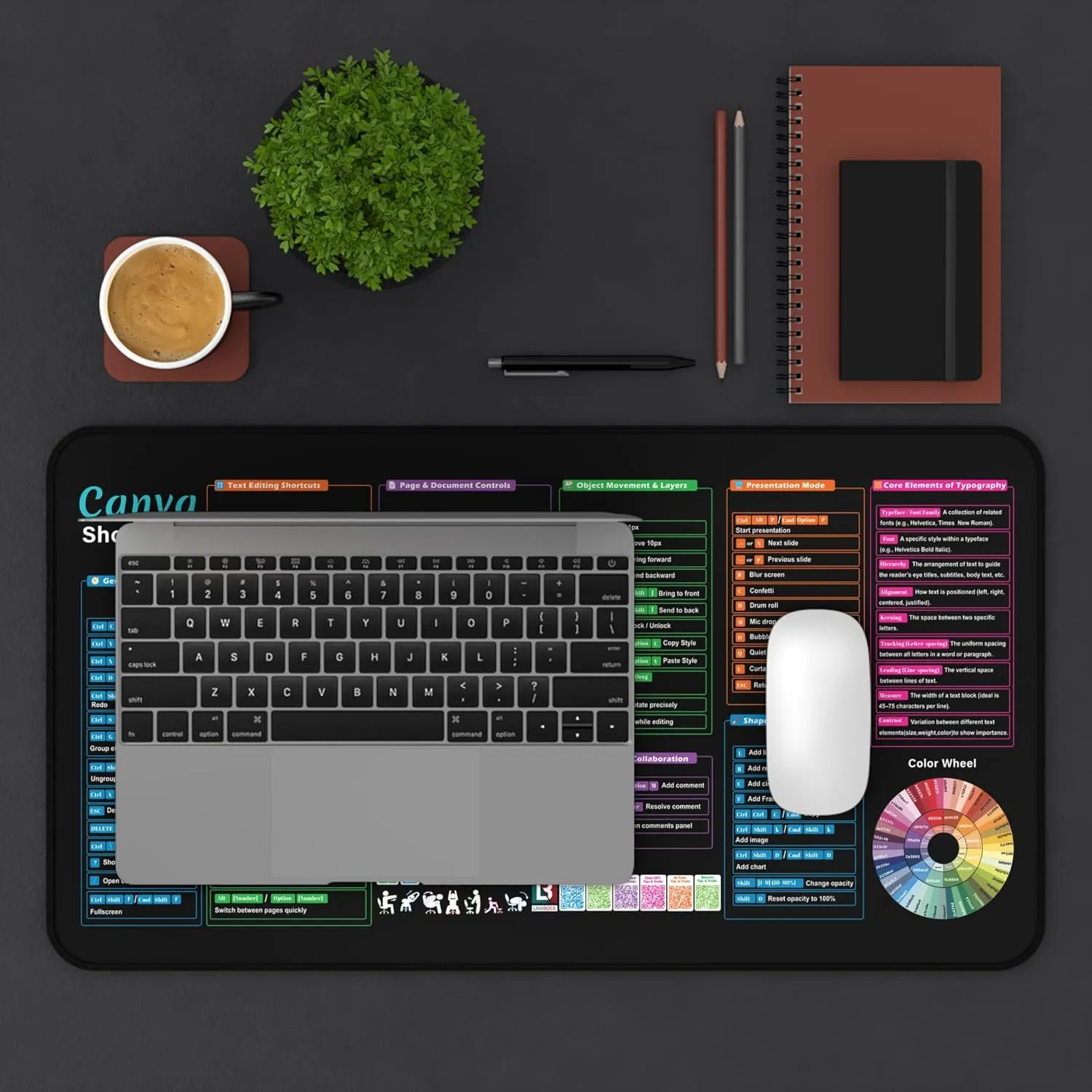
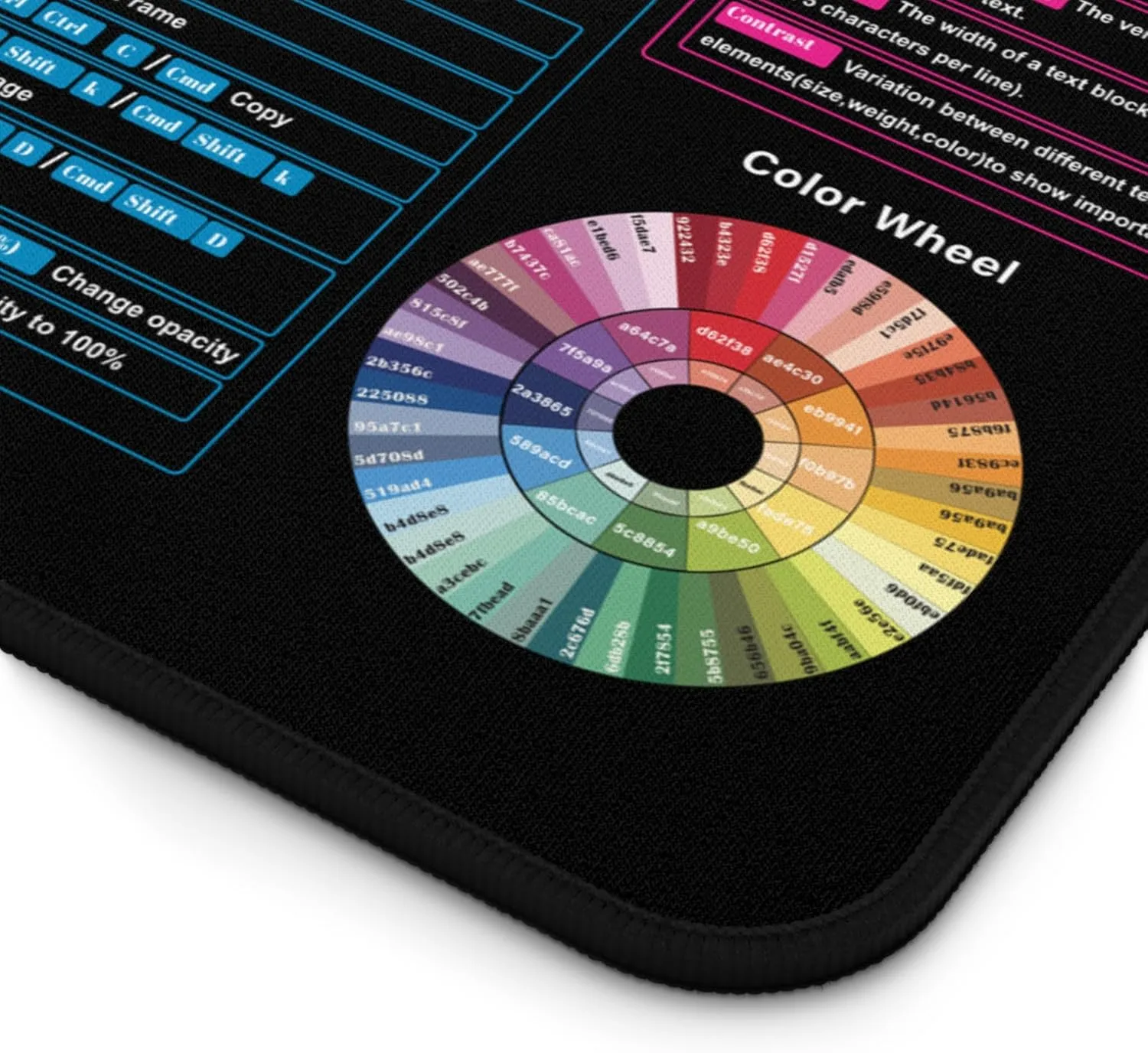

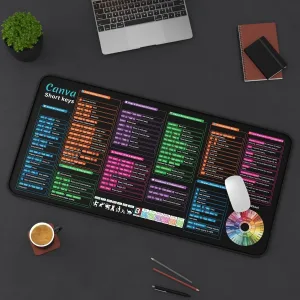
 Canva User Guide Desk Mat
Price range: $29.99 through $34.99
$29.99 – $34.99Price range: $29.99 through $34.99
In stock
| Size | 12" x 22", 16" x 32" |
|---|
Canva is simple. Until it isn’t.
You know the basics. But you keep clicking through menus looking for the same features. Resizing shortcuts. Text alignment commands. Export settings. Every single time.
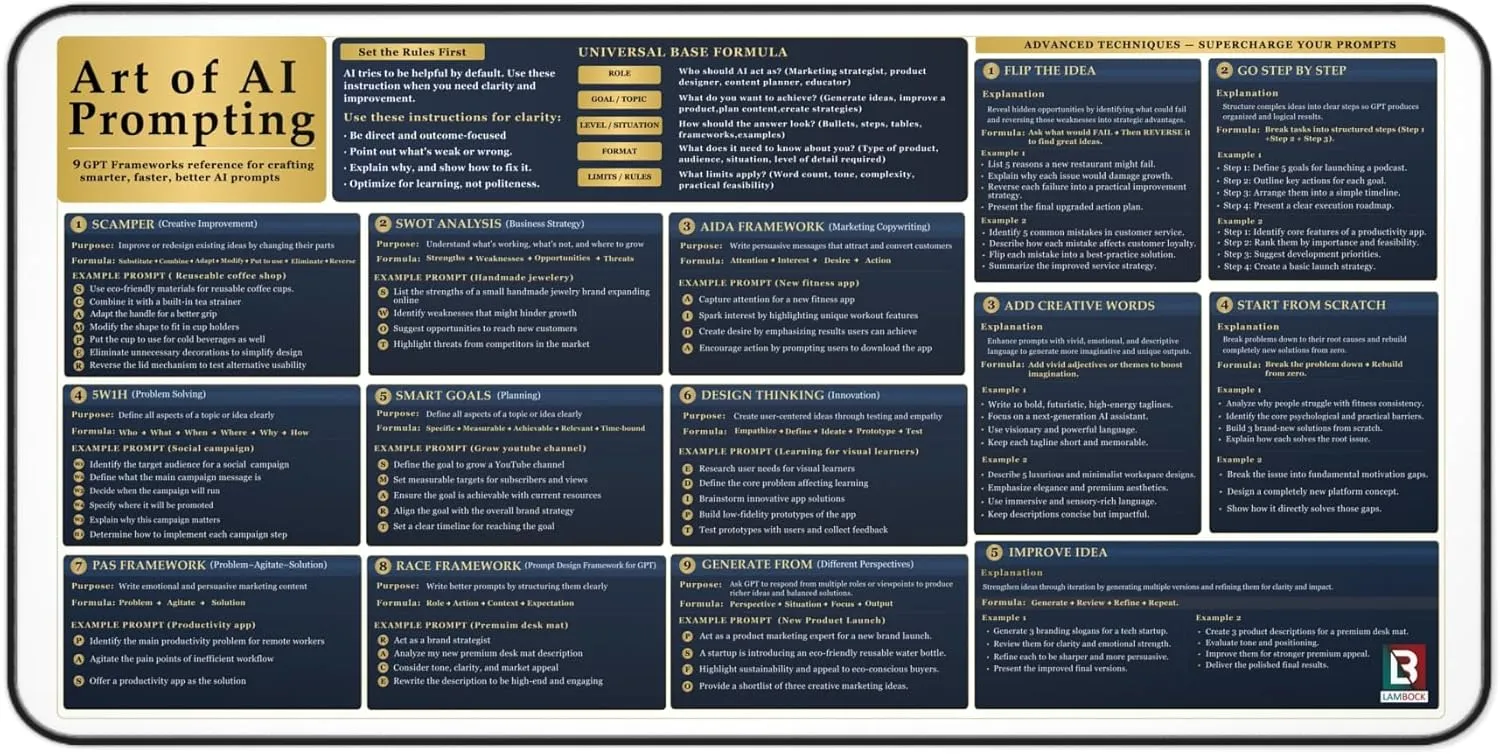
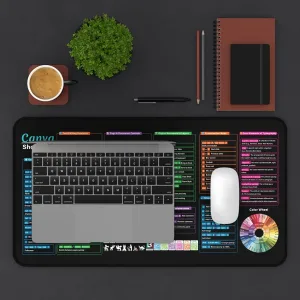
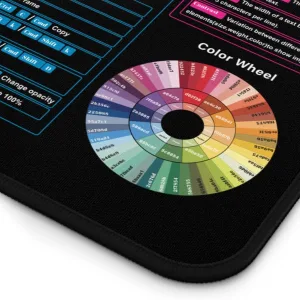
This Canva cheat sheet desk mat puts every shortcut and workflow tip right on your desk. No more hunting through menus. No more YouTube tutorials for basic tasks.
Social media managers use it to speed up daily graphic creation. Small business owners who design their own content keep it on their desk permanently. Beginner Canva users use it as a learning reference while building their skills. Content creators who produce high-volume visual content for clients rely on it daily.
“The only Canva reference tool that never closes on you.”
| Feature | Detail |
| Size | Extended |
| Material | 3mm neoprene |
| Base | Anti-slip rubber |
| Edges | Stitched for durability |
| Ideal For | Designer, Content Creator, Beginner |
| Category | Cheat Sheet Desk Mats |
| Size | 12" x 22", 16" x 32" |
|---|
You May Also Like
Canva User Guide Desk Mat
$29.99 – $34.99Price range: $29.99 through $34.99